What We Learned Building a Production LLM Agent That Writes Its Own ERP Queries
We shipped NexWave AI, an agentic LLM assistant embedded inside a production ERP used by real NZ and AU businesses. It fetches documents, runs financial reports, produces charts, and cites its sources. This post is about the parts that do not appear in OpenAI’s quickstart.
TL;DR: Building an agent that uses tool calls against a production business system is five distinct problems, not one. History trimming that breaks tool-call pairs crashes the API. Asking the model to do arithmetic produces silent errors. Using a service account for tool execution creates a new permission model you will get wrong. Ignoring rate limits and context overflow makes a broken product. Rendering raw JSON is not an answer. Everything below is what we wish someone had told us before we wrote the first line of code.
The Prototype Lies
Here is what a “build an LLM agent” tutorial looks like:
- Define a tool schema
- Loop: call the model, if it returned tool calls, execute them and append results, else return text
- Done
The tutorial works. Then you put it in front of a real user who asks a real question against a real ERP, and you discover that the loop above is a skeleton with about five missing organs.
We built and shipped an agent called NexWave AI. It is a chat interface inside an ERP where staff can ask questions in plain English and receive answers backed by live data: “What’s our overdue AR?”, “Show me the top 5 customers this quarter as a chart”, “Find SI-00456 and tell me if it’s been paid.” It uses the OpenAI Chat Completions API via OpenRouter with function calling, a fixed registry of tools, and a Python agent loop.
The rest of this post is the parts that decided whether it worked.
Problem 1: Trimming History Without Breaking Tool-Call Pairs
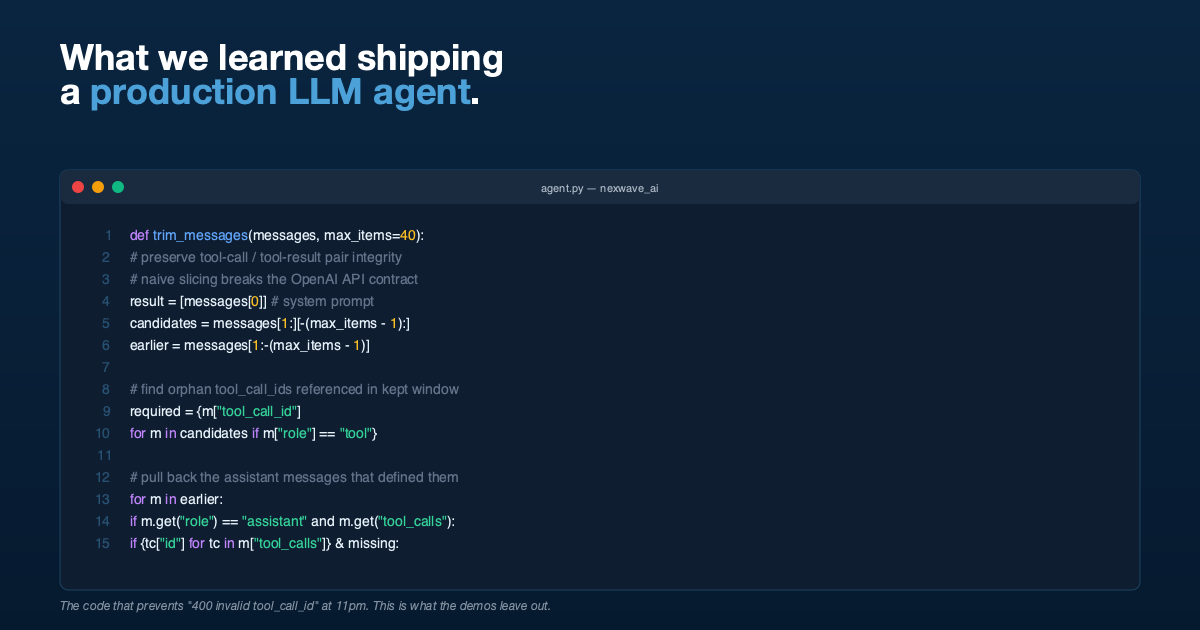
The OpenAI Chat Completions protocol has an invariant that is easy to miss: every tool message must be preceded (somewhere earlier in the conversation) by an assistant message whose tool_calls array contains a matching id. If you send a tool message whose tool_call_id has no matching assistant message, the API rejects the request.
Now consider a long conversation. You have fifty messages. You want to keep the last forty to stay inside the context window. You slice: messages[-40:]. But the cut might fall between the assistant message containing the tool_calls and the tool messages containing the responses. The tool messages stay, the assistant message is gone, and the next API call fails.
We handle this by walking the candidate window and identifying orphaned tool-call IDs, then pulling the originating assistant messages back in from earlier history. Roughly:
def trim_messages(messages: list[dict], max_items: int = 40) -> list[dict]:
    if len(messages) <= max_items:
        return messages

    result = [messages[0]]  # always keep system prompt
    candidates = messages[1:][-(max_items - 1):]
    earlier = messages[1:-(max_items - 1)]

    # Tool IDs referenced by `tool` messages in the window
    required = {
        m["tool_call_id"]
        for m in candidates
        if m.get("role") == "tool" and m.get("tool_call_id")
    }

    # Tool IDs already present in `assistant` messages in the window
    present = {
        tc["id"]
        for m in candidates
        if m.get("role") == "assistant" and m.get("tool_calls")
        for tc in m["tool_calls"]
    }

    missing = required - present

    # Pull back the assistant messages that defined the missing tool calls
    for m in earlier:
        if m.get("role") == "assistant" and m.get("tool_calls"):
            ids = {tc["id"] for tc in m["tool_calls"]}
            if ids & missing:
                result.append(m)
                missing -= ids

    result.extend(candidates)
    return result
This felt like over-engineering until the first time a user had a long session and the model returned 400 invalid tool_call_id. It was not over-engineering.
Problem 2: Do Not Let the Model Do Arithmetic
The model is not a calculator. Ask it to sum a column of 30 values and it will produce an answer that is usually close and sometimes off by a few dollars. Finance teams will notice immediately, and they will be correct that something is wrong.
Our fix is structural: the system prompt tells the model never to compute anything in its head, and we expose a calculate_expression tool that evaluates a safe, sandboxed mathematical expression. The model is required to call the tool for sums, averages, percentages, growth rates, everything.
The tool itself is not an eval. It is a restricted evaluator with a whitelisted set of operators (+, -, *, /, %, //, **, parentheses), constants (pi, e), and math functions (sqrt, log, sin, abs, round, pow, max, min). No attribute access, no variable binding, no function calls outside the whitelist.
Reports returned by the ERP include pre-computed totals wherever possible. The prompt tells the model to use these totals directly rather than re-summing. The combination of pre-computed totals plus a whitelisted calculator eliminated arithmetic errors entirely.
If you are building an agent that touches numbers that matter, do not skip this step.
Problem 3: Permissions Are Not a Separate Problem
The obvious way to execute tools is to run them as a service account with full database access. You then add an application-layer check: “is this user allowed to see this report?”
Do not do this. You have just created a second permission model. It will drift from the primary one. It will let users see data they should not, or block data they should see. Someone will eventually find the gap and either be annoyed or abuse it.
We execute every tool call as the signed-in user, reusing the ERP’s existing permission system verbatim. If the user cannot run the Profit and Loss Statement report through the normal UI, the AI cannot run it either. If the user cannot read a particular Sales Invoice because they are not in its allowed roles, the AI gets an empty result. The model gets the same reality the user already has.
The side effect: when a user asks a question the AI cannot answer because of their permissions, the error that bubbles up is the same permission error the ERP would have shown them anyway. That is the right message. They know what to do about it.
Problem 4: Errors Are Not Exceptional, They Are Normal
Five failure modes will happen in production:
| Failure | Handler |
|---|---|
| Auth fails (bad API key) | Return a specific message suggesting the admin verify credentials |
| Rate limit / timeout / transient network | Return a “service temporarily unavailable, try again” message |
| Context too long (HTTP 400 with “context” in the error) | Tell the user to start a new conversation |
| Tool call raises an exception | Log it with full traceback, return a structured error to the model, let it decide what to do |
| Three consecutive tool failures | Break the loop entirely and return an error, rather than burning tokens flailing |
Every one of these was added after we hit it in practice. The default behaviour of an unguarded agent loop is to either crash loudly (bad for users) or retry silently (bad for costs and for the user waiting 90 seconds for nothing).
The specific one worth calling out: consecutive_failures. If a tool keeps failing, the model will happily keep calling it with slightly different parameters until you run out of budget. Count failures, cap them at three, and exit with a clear message.
Problem 5: The User Does Not Want JSON
Non-technical users do not want raw tool output. They want:
- Tables formatted as Markdown so they render nicely in the chat
- Charts, especially for trends over time or category comparisons
- Clickable links to source documents so they can verify
- Numbers preserved exactly as the data returned, not reformatted
We solved the rendering problem with three conventions in the system prompt and a chat frontend that understands them:
- Markdown tables are rendered as tables.
- Fenced code blocks with
chartas the language carry a JSON payload that the frontend renders as a bar, line, pie, or donut chart. The model is told to include both a chart and a Markdown table, for accessibility. - Document names are emitted as Markdown links to the ERP’s document page (
/app/sales-invoice/SI-00123). Users can click through to the source document.
This does not require fancy structured-output features. It requires clear instructions in the system prompt, examples, and a frontend that knows the conventions.
What the Agent Loop Actually Looks Like
With the five problems above addressed, the loop looks like this:
def run(messages, settings, on_message=None):
    client = get_openai_client(settings)
    max_rounds = settings.max_tool_rounds or 10
    consecutive_failures = 0

    for _ in range(max_rounds):
        publish_progress("Thinking...")

        try:
            response = client.chat.completions.create(
                model=settings.model,
                messages=messages,
                tools=TOOL_DEFINITIONS,
                temperature=settings.temperature or 0.2,
            )
        except AuthenticationError:
            return "Auth failed, check the API key.", messages
        except (RateLimitError, APITimeoutError, APIConnectionError):
            return "Service temporarily unavailable. Please retry.", messages
        except APIStatusError as e:
            if e.status_code == 400 and "context" in str(e.message).lower():
                return "Conversation too long, please start a new one.", messages
            return f"API error HTTP {e.status_code}.", messages

        assistant_message = response.choices[0].message
        messages.append(_to_dict(assistant_message))
        on_message and on_message(messages[-1])

        if not assistant_message.tool_calls:
            return assistant_message.content, messages

        # Execute every tool call, append results
        any_failed = False
        for tc in assistant_message.tool_calls:
            args = json.loads(tc.function.arguments)
            publish_progress(tool_status_label(tc.function.name, args))
            result = execute_tool(tc.function.name, args)
            if not result.get("success", True):
                any_failed = True
            messages.append({
                "role": "tool",
                "tool_call_id": tc.id,
                "content": json.dumps(result, default=str),
            })
            on_message and on_message(messages[-1])

        consecutive_failures = consecutive_failures + 1 if any_failed else 0
        if consecutive_failures >= 3:
            return "Multiple tool failures, stopping to avoid looping.", messages

    return "Reached max reasoning rounds without a final answer.", messages
Every line in there earned its place by breaking something.
The Things That Did Not Matter
It is worth saying out loud: several things we expected to matter did not.
- Model choice. Once the tool schemas are clear and the system prompt is tight, several frontier models work. We point OpenAI SDK at OpenRouter so we can swap models without touching the agent.
- Temperature.
0.2was the default and we have never had a reason to change it. - Chain-of-thought prompting. Function calling already produces structured reasoning in the form of sequential tool calls. Additional CoT in the prompt did not help and sometimes produced over-long responses.
- Embedding-based retrieval. We have a tool that lets the model introspect a doctype’s schema (field names, types, allowed values). This is enough. We did not need a vector store.
Takeaways
If you are about to build a production agent against a business system:
- Trim history with tool-call pair awareness. A naive
[-N:]slice will break you. - Delegate arithmetic to a calculator tool. LLMs are not calculators.
- Pass through the host system’s permissions. Do not invent a second permission model.
- Handle five specific error classes explicitly. Auth, rate limit, context overflow, tool failure, consecutive failures.
- Teach the frontend three conventions (Markdown tables, fenced chart blocks, document links) and the rendering problem is solved.
Everything else is detail.
If You Need This Built
HighFlyer builds production AI systems for New Zealand and Australian businesses. We are an Auckland-based technology company with two technical founders and a bias for getting foundations right. If you have a business system that should be answering questions in plain English and currently is not, we are easy to reach.
Tags
About the Author

Imesha Sudasingha
Head of Engineering
Imesha is the Head of Engineering at HighFlyer and a member of the Apache Software Foundation with 10+ years of experience across integration, cloud, and AI. He led the engineering of NexWave AI, the production LLM agent discussed in this post.
Recent Posts
Categories
You May Also Like
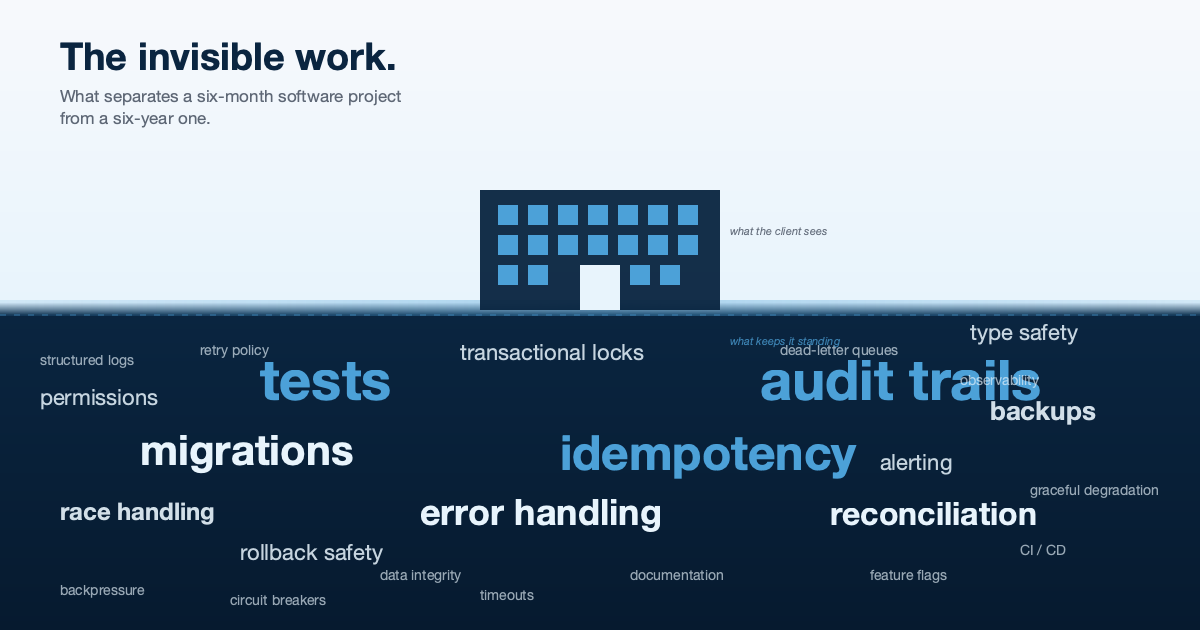
The Invisible Work: What Separates a Six-Month Software Project From a Six-Year One
A builder does not get credit for the foundations. Neither does a software team. But if you asked either to...
Read More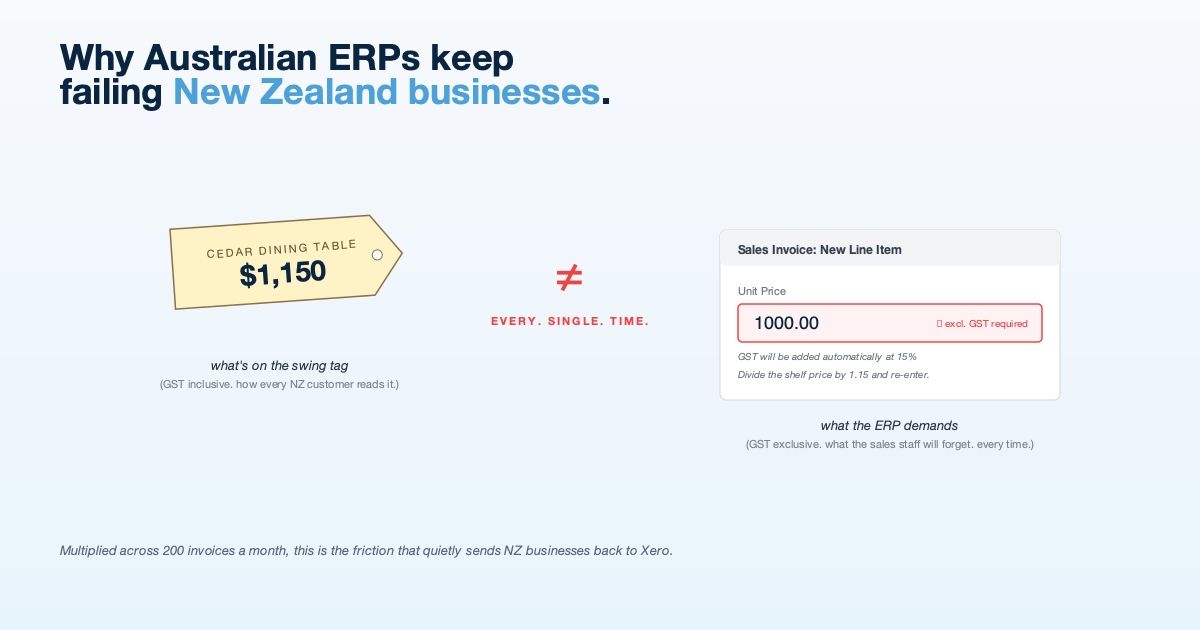
Why Australian ERPs Keep Failing New Zealand Businesses
NZ businesses think and invoice in GST-inclusive terms. Most cloud ERPs do not. The mismatch creates friction that shows up...
Read More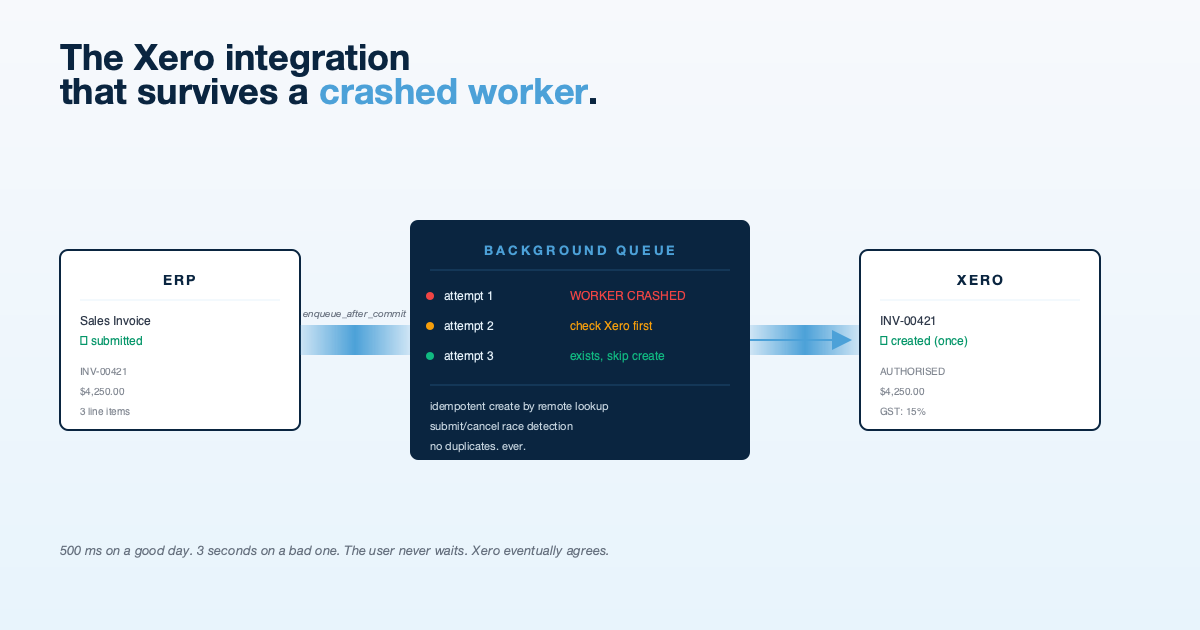
The Xero Integration That Survives a Crashed Worker
Tutorials show you how to call the Xero API. Production shows you what happens when the worker dies halfway through....
Read More