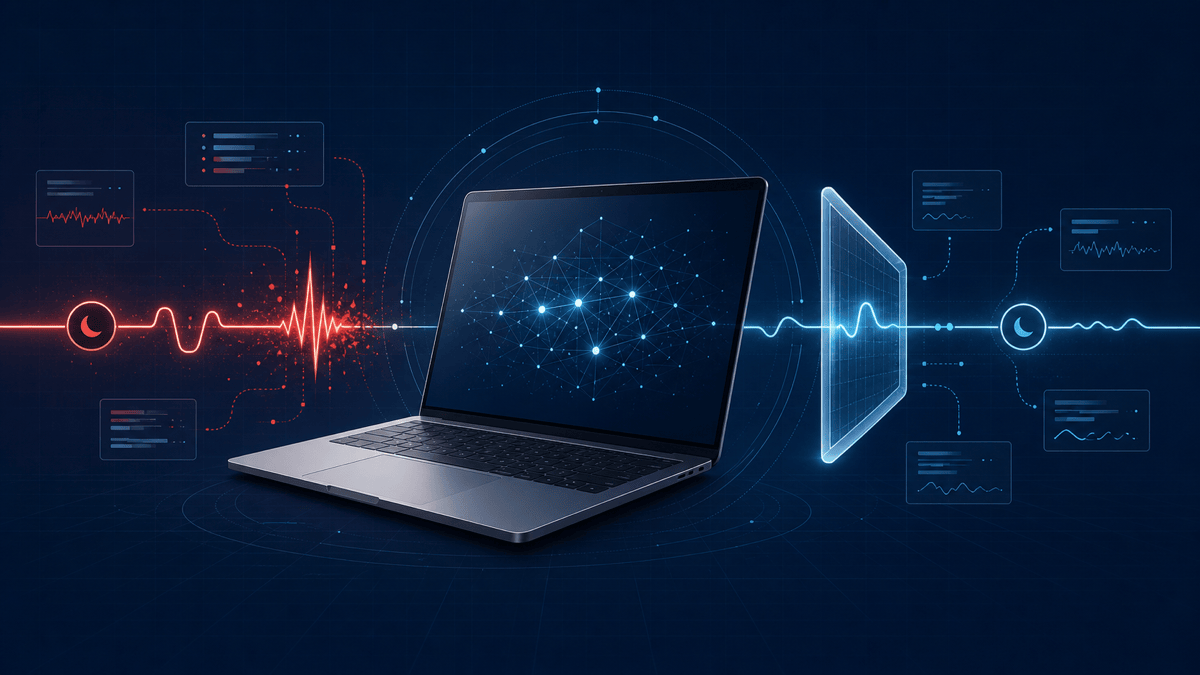
When There Is No Straight Answer: How Agentic AI Solved a MacBook Sleep Panic
Some technical problems do not have a straight answer. They have fragments: a symptom that could mean five different things, logs spread across several systems, healthy-looking hardware readings, and one diagnostic result that contradicts all the others. These are exactly the problems where agentic AI becomes more useful than a chatbot.
The short version. At HighFlyer, we replaced the battery in an older 2019 Intel MacBook Air. Afterwards, it charged properly and worked normally during everyday use. The problem appeared only when the lid was closed: instead of waking again, the Mac repeatedly crashed while asleep. The applications named in the crash reports kept changing, and one macOS summary even claimed the machine was connected to AC power while its battery was discharging. A conventional investigation could have taken days or weeks of manually reading logs, comparing timestamps and testing theories. With an AI agent operating inside clear guardrails, the crash pattern was identified and a safe, reversible mitigation was found within minutes. The longer verification then caught something even more interesting: the diagnostic environment itself was producing a false reading.
This was not AI guessing a repair from a forum post. It was AI carrying out an investigation.
A Simple Symptom With Several Possible Causes
This was an older MacBook used at HighFlyer. After we replaced its battery, the machine powered on, charged and behaved normally while it was awake. Only closing the lid exposed the problem: leave it for a while, open it again, and the computer would be completely off. Pressing the power button started a fresh boot instead of resuming the previous session.
From the outside, that could have been:
- A flat or faulty replacement battery.
- A display that failed to wake.
- A normal shutdown.
- A power-management or firmware problem.
- A kernel panic while the machine was asleep.
The machine had a recently fitted aftermarket battery, so blaming the new part would have been easy. It would also have been premature. The Mac charged and ran normally while awake, and macOS reported the battery condition as normal, with plausible capacity, cycle count and charging data. Those readings did not prove the battery was perfect, but they gave us no straight answer either.
The failure pattern also did not look like simple battery depletion. A flat battery should correlate with falling charge and shutdown under load. This Mac remained stable while awake, then failed during a specific power-state transition with charge still available. That distinction moved the investigation away from “is the replacement battery bad?” and towards “what changes inside the system after the lid switch reports closed?”
This is the first difference between ordinary generative AI and agentic AI. A chatbot can list likely causes. An agent can gather evidence, test each cause and decide what to investigate next.
Read First, Change Nothing
The agent began in read-only mode. It collected the Mac’s hardware profile, battery telemetry, power settings, current power assertions, sleep history, boot history, shutdown records and diagnostic reports.
For a technical reader, the evidence set included:
system_profiler SPPowerDataTypefor battery condition, cycle count, capacity and adapter state.pmset -g customfor the active battery and charger power policies.pmset -g assertionsfor processes currently preventing or modifying sleep.pmset -g logfor lid events, sleep entries, dark wakes, standby transitions and wake reasons.- Panic reports from macOS DiagnosticReports, compared across dates rather than read in isolation.
- Boot and shutdown history to distinguish a failed display wake from a full system restart.
That guardrail mattered. When a system is unstable, changing five settings before establishing what happened destroys evidence and creates new variables. The agent’s first job was not to fix the Mac. It was to build an accurate timeline.
The decisive evidence was hidden across four panic reports recorded on different days. Each contained the same low-level CPU machine-check signature. The process running at the moment of failure varied, with macOS services such as analyticsd and mds_stores appearing in different reports.
If we had read only one report, it would have been tempting to blame the named application. Across four reports, the pattern became clear: unrelated software was present, but the processor was reporting the same fatal condition every time.
What the Correlation Showed
| Signal | Repeated observation | Technical interpretation |
|---|---|---|
| Battery telemetry | Normal condition and plausible charge data | No evidence of an ordinary flat-battery shutdown |
| Panic signature | The same CPU machine-check class across four reports | A low-level fatal condition, not four independent application crashes |
| Current process | Different processes, including analyticsd and mds_stores | The named process was a bystander at the time of panic |
| Power log timing | Panic followed lid-close sleep and a maintenance wake | The risky path was a sleep-to-dark-wake power transition |
| Next startup | A fresh boot was required | The machine had crashed; this was not merely a display that failed to wake |
On Intel systems, a machine check is reported by the processor’s hardware-error architecture. It does not automatically identify one replaceable component, but it is materially different from an application exception. Seeing the same machine-check pattern recur while unrelated processes happened to be scheduled made an application-level cause increasingly unlikely.
The agent then aligned those reports with the macOS power-management log:
Lid closes
  -> Mac enters clamshell sleep
  -> macOS performs a maintenance or "dark" wake
  -> CPU reports a machine-check panic
  -> Mac remains off until the next power-button press
The dark wake was the missing link. A Mac can briefly wake parts of the system while the lid remains closed to perform maintenance, networking, indexing and other background tasks. Those transitions rapidly change power states across the CPU, memory, storage, networking, T2 chip and power controllers. A marginal hardware or firmware condition may remain invisible while the computer is fully awake or deeply asleep, yet fail during the transition between the two.
There was still no single log line saying, “this component is faulty”. But there was now enough evidence to design a safe workaround.
From Diagnosis to a Reversible Mitigation
The agent proposed reducing optional background wakes and moving the Mac into deeper standby sooner. It did not install a kernel extension, patch macOS, spoof the battery controller or modify firmware.
The final policy:
- Disabled Power Nap.
- Disabled proximity wake.
- Disabled wake-on-LAN.
- Reduced both standby delays to zero so deeper standby began promptly after the safe-sleep image was available.
- Preserved the normal macOS safe-sleep mode.
- Kept TCP keepalive enabled so Find My could continue to work.
In pmset terms, the relevant end state was:
powernap             0
proximitywake        0
womp                 0
standbydelayhigh     0
standbydelaylow      0
hibernatemode        3
tcpkeepalive         1
The important detail is what did not change. hibernatemode 3 retained normal safe sleep, so memory still had a disk-backed sleep image. tcpkeepalive 1 preserved the Find My requirement. The mitigation narrowed optional wake paths and shortened the interval before deeper standby; it did not disable sleep safety or rewrite firmware.
That last point is a small example of why guardrails are not merely restrictions. The first version of the workaround disabled TCP keepalive along with the other wake triggers. The agent recognised that this conflicted with an explicit requirement—Find My had to remain available—restored it immediately, and redesigned the compromise around that constraint.
The working model became:
Before: sleep -> repeated background wake transitions -> panic -> full reboot
After:  sleep -> prompt deeper standby -> fewer risky transitions -> normal wake
The Mac stopped exhibiting the lid-closed crash. A practical solution had been found without pretending that software had repaired a potentially sensitive piece of hardware.
This was a machine-specific mitigation, not a universal Mac repair recipe. Repeated machine-check panics can still justify professional hardware assessment, and power settings should not be copied blindly between computers.
Then the Debugger Became the Bug
The investigation could have ended there. Instead, the agent noticed a contradiction.
One high-level macOS result said the machine was “drawing from AC power”. At the same time, the detailed battery records said the battery was discharging, no charger was connected and no power adapter was present.
Several conventional resets did not change the apparent AC reading. That made a battery-controller fault look increasingly plausible. But the agent did not force the evidence into that theory. It compared the high-level summary with the underlying records and found that the same diagnostic snapshot disagreed with itself.
The question changed from “why is the Mac lying about its charger?” to “why does this particular diagnostic path think AC power is present?”
To answer it, the agent wrote and compiled a small native C utility against Apple’s IOKit and CoreFoundation frameworks. The probe compared:
- The aggregate power-source result.
- The battery’s own described power state.
- The external-adapter record.
- The estimated remaining time.
The contradictory result looked like this:
IOPSGetProvidingPowerSourceType()       -> AC Power
IOPSGetTimeRemainingEstimate()          -> unlimited
battery kIOPSPowerSourceStateKey        -> Battery Power
battery kIOPSIsChargingKey              -> false
IOPSCopyExternalPowerAdapterDetails()   -> no adapter
Those values cannot all describe the same physical state. The aggregate functions claimed effectively unlimited external power, while the underlying power-source dictionary described a present, discharging battery and the adapter API returned no connected adapter.
Inside the AI tool’s restricted sandbox, the aggregate API claimed AC power and unlimited remaining time, even though the detailed record showed a present, discharging battery and no adapter. Outside the sandbox, the same tool correctly reported battery power. With the charger connected, it correctly changed to AC power.
The Mac was not confused. The sandbox was.
Restricted access to a macOS notification service had caused a high-level API to fall back to an optimistic “unlimited power” result. The diagnostic environment had contaminated the measurement and created a convincing false lead.
This is a classic observability problem: the measuring tool changed the conditions under which a reading was produced. Cross-running the same compiled probe inside and outside the restricted environment separated a Mac power-management fault from a sandbox-specific API fallback.
This was perhaps the most valuable result of the whole exercise. The agent did not merely find a workaround. It disproved its own earlier hypothesis and prevented an unnecessary battery or logic-board conclusion.
Why This Could Have Taken Days or Weeks Manually
None of the individual steps was impossible for a skilled engineer. The time normally disappears between the steps:
- Locate the relevant diagnostic reports and determine which ones match the symptom.
- Read several long panic files and compare their low-level signatures.
- Extract days of power-management events and align them with each crash.
- Separate the process that happened to be running from the actual failure pattern.
- Research the meaning of dark wakes and the relevant power settings.
- Apply a minimal change, wait for sleep cycles and test again.
- Notice that two power APIs disagree instead of trusting the convenient summary.
- Read the platform API behaviour, write a native diagnostic and test it both inside and outside the restricted environment.
Manually, each loop involves opening another file, constructing another command, filtering another log and holding the evolving timeline in your head. It is realistic for that work to stretch across days, or weeks if the crashes are intermittent.
The AI agent compressed the mechanical part of that loop. It could search thousands of log lines, retain the relationship between events, generate the next read-only diagnostic, compile a purpose-built probe and immediately compare the output with the current hypothesis. That is why a useful mitigation could emerge within minutes even though careful verification continued afterwards.
Speed did not come from skipping the investigation. It came from performing more investigative iterations in less time.
The Guardrails That Made the Speed Safe
“AI solved it quickly” is only half the story. An unguarded agent with administrator access could also make a wrong theory expensive very quickly. The useful pattern combined autonomy with boundaries:
- Evidence before action. The first pass was read-only and preserved the original state.
- Reversible changes only. The mitigation used supported macOS power settings that could be restored.
- Explicit human authority. Privileged actions remained visible and required approval.
- Requirements stayed binding. Find My was treated as a product requirement, not an optional detail.
- No false certainty. The evidence supported a crash-prone power transition, not a definitive claim about which physical component was defective.
- Cross-environment verification. Results were compared inside and outside the sandbox and in both battery and charging states.
- Contradictions triggered investigation. The agent treated disagreement between APIs as evidence rather than noise.
- The agent could correct itself. When a hypothesis failed, it was discarded instead of defended.
- Disruptive work stayed out of scope. A macOS update was identified but not automatically installed because it required a restart and could interrupt unsaved work.
These are modern AI guardrails in practice. They are not a paragraph in a policy document. They are the operating rules that determine what the agent may inspect, what it may change, when it must stop and how an answer must be verified.
This Is Bigger Than a MacBook
The MacBook makes a good story because the symptom was tangible: close the lid and the computer appears dead. The same class of problem exists throughout business technology:
- An integration says it completed successfully, but four orders are missing.
- An ERP account drifts from its underlying transactions with no single bad entry.
- A cloud service fails only during a particular scale or timing condition.
- Several monitoring systems report plausible but mutually incompatible states.
- A legacy application has years of logs and no documentation explaining the failure.
These problems rarely have a searchable, one-line answer. They require someone—or something—to form hypotheses, gather evidence, use tools, test safely, follow contradictions and keep going until the explanation fits the whole system.
A brief public parallel is the AI-assisted investigation that produced macOS support for an unsupported HP Laser 1008a printer. The shared lesson is simply that an agent can work through incomplete low-level evidence when no ready-made answer exists.
That is where agentic AI changes the economics of technical investigation. Work that was previously too slow, uncertain or expensive to justify can become a focused engineering session. The human still owns the objective, permissions, trade-offs and final decision. The agent makes it practical to follow every thread.
The Real Promise of Agentic AI
The most impressive part of this case was not that AI knew a macOS command. It was that the agent could move through a disciplined loop:
Observe -> hypothesise -> test safely -> compare -> revise -> verifyIt found a pattern that no single log stated explicitly. It designed a conservative mitigation. It protected a user requirement. It built a new diagnostic when the existing tools were insufficient. Finally, it recognised that its own execution environment was creating a false result.
That is a better description of useful agentic AI than “a chatbot that can run commands”. It is a system that can pursue an outcome across incomplete evidence while remaining inside human-defined boundaries.
HighFlyer’s older MacBook is now stable. More importantly, the path to that result was explainable, reversible and tested. Fast is valuable. Fast with evidence and guardrails is transformative.
Bring Us the Problems Others Avoid
Some challenges do not arrive with a neat brief or an obvious solution. They stay unresolved because they cross systems, teams and assumptions—and because nobody wants to own the uncertainty.
Bring us the recurring failure nobody can explain, the process that works only some of the time, or the operational bottleneck everyone has learned to live with. We will investigate from first principles, follow the evidence and work with your team until there is a practical path forward.
The answer might be software, automation, integration, process change or a combination of them. Our objective is not to sell you a build. It is to solve the problem.
Have a challenge others have avoided? Bring it to HighFlyer. Let’s tackle it together.
Tags
About the Author

Pasan Thilakasiri, PhD
Co-founder & Managing Director
Dr Pasan Thilakasiri is a digital transformation expert with a PhD in e-governance from Huazhong University of Science and Technology (HUST). He helps organisations turn complex operational problems into practical technology solutions.
A monthly note for SME operators
On technology, AI, and digitalisation. One real story, two trends, and one quick win each issue.
Recent Posts
Categories
You May Also Like
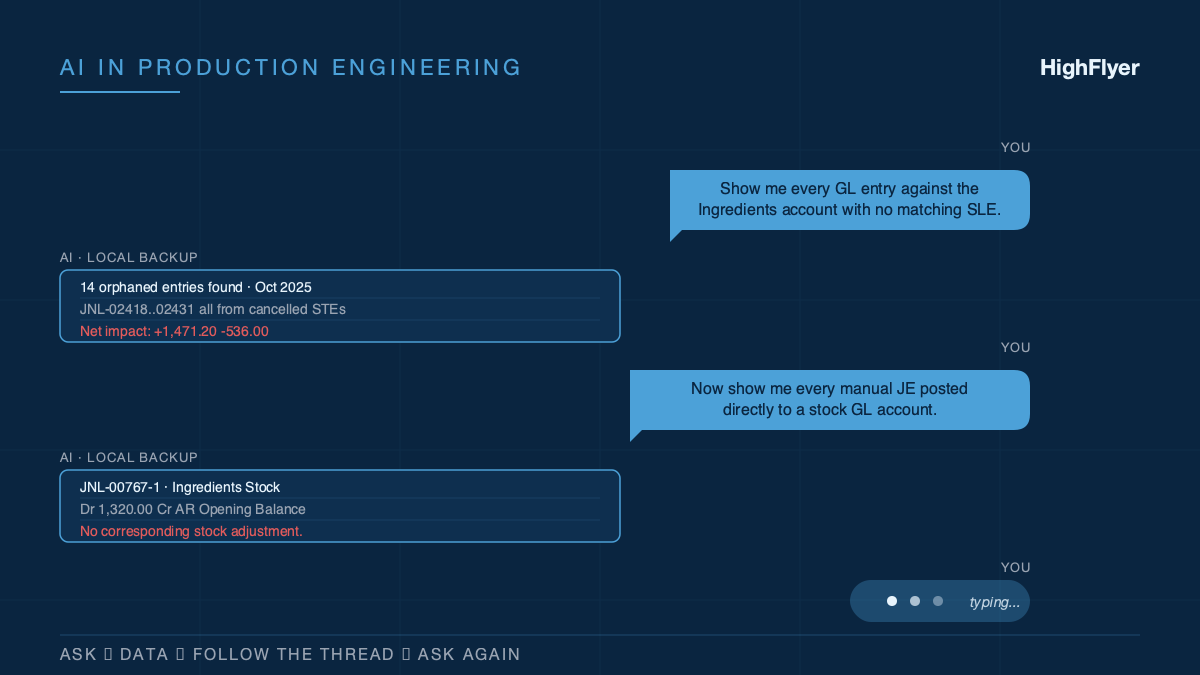
How We Actually Use AI on Real Customer Work
Eight months of unresolved accounting drift. 3,600 historical transactions. One working session to untangle it, because AI was sitting alongside...
Read More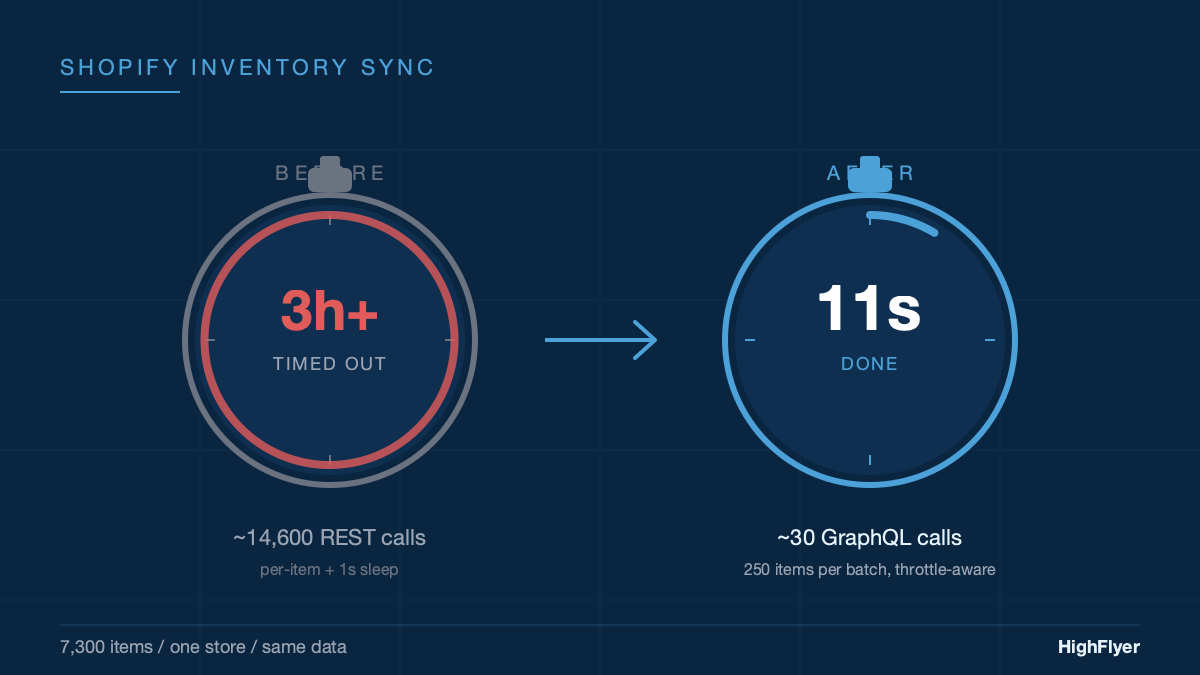
From 3 Hours to 11 Seconds: Fixing a Shopify Stock Sync That Kept Timing Out
We kept bumping the timeout. First to 60 minutes. Then to 3 hours. It still timed out. The timeout was...
Read More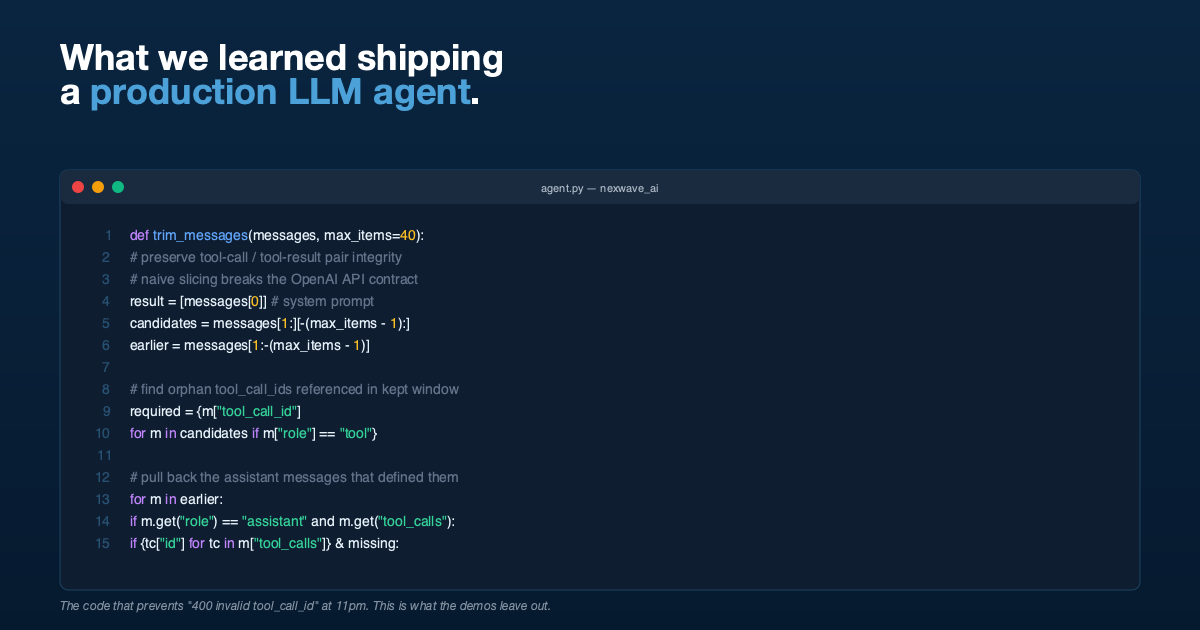
What We Learned Putting an AI Assistant Inside a Live Business System
An AI that gives a finance team an off-by-a-dollar answer loses their trust forever. Here are the five things we...
Read More